Skip to content
Projects & ideas

Send the project. Not just the files.

The files travel with their decisions and evidence, inside one portable workspace you can inspect and pass on.

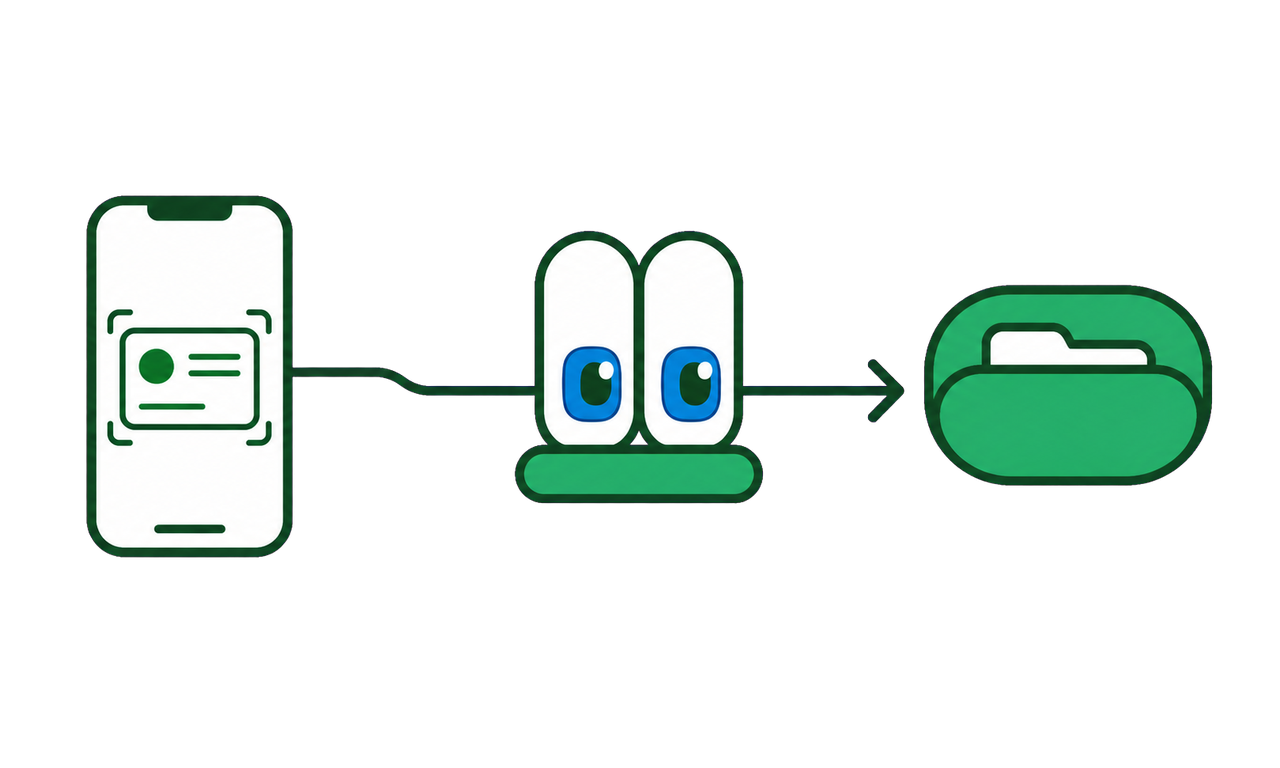
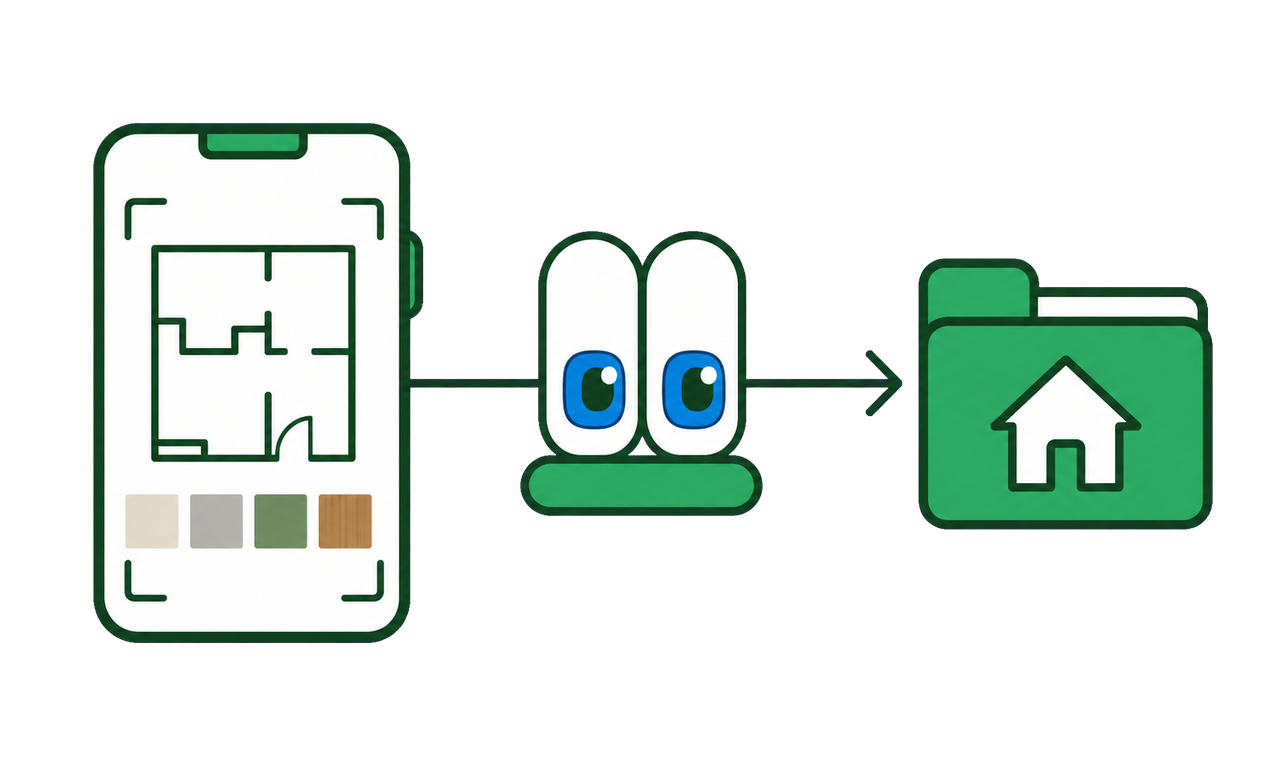
Phone captures, files, evidence, and decisions travel as one project.
The project workspace

Real files and folders, with the thinking still attached.

Folders, screenshots, notes, relationships, and the decisions that explain them stay together inside one workspace you can send.

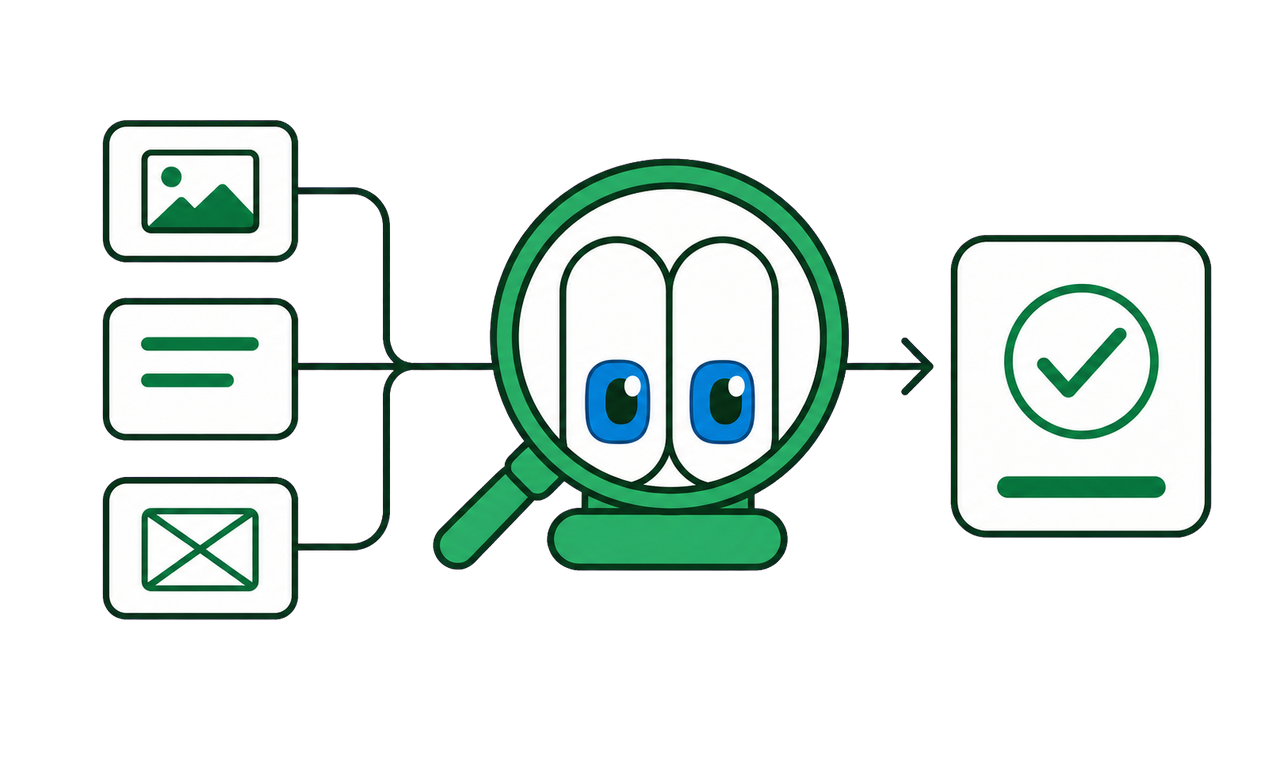
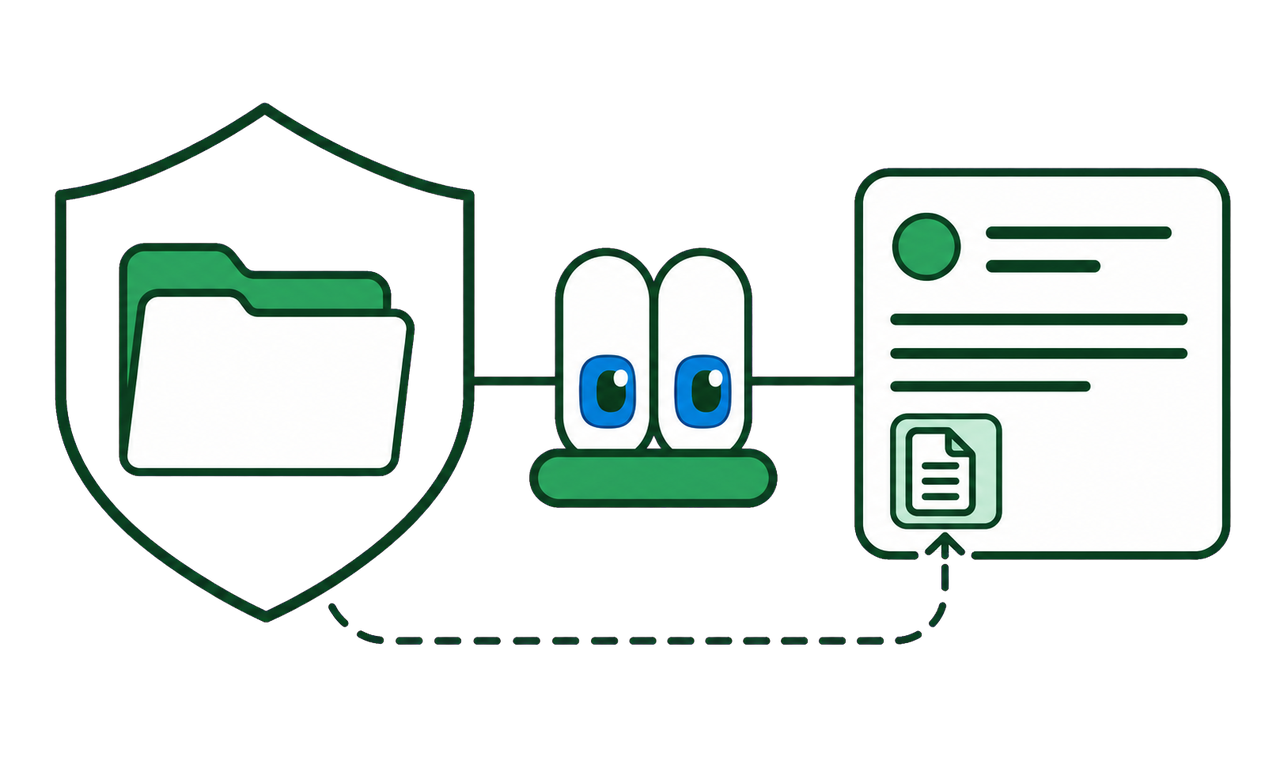
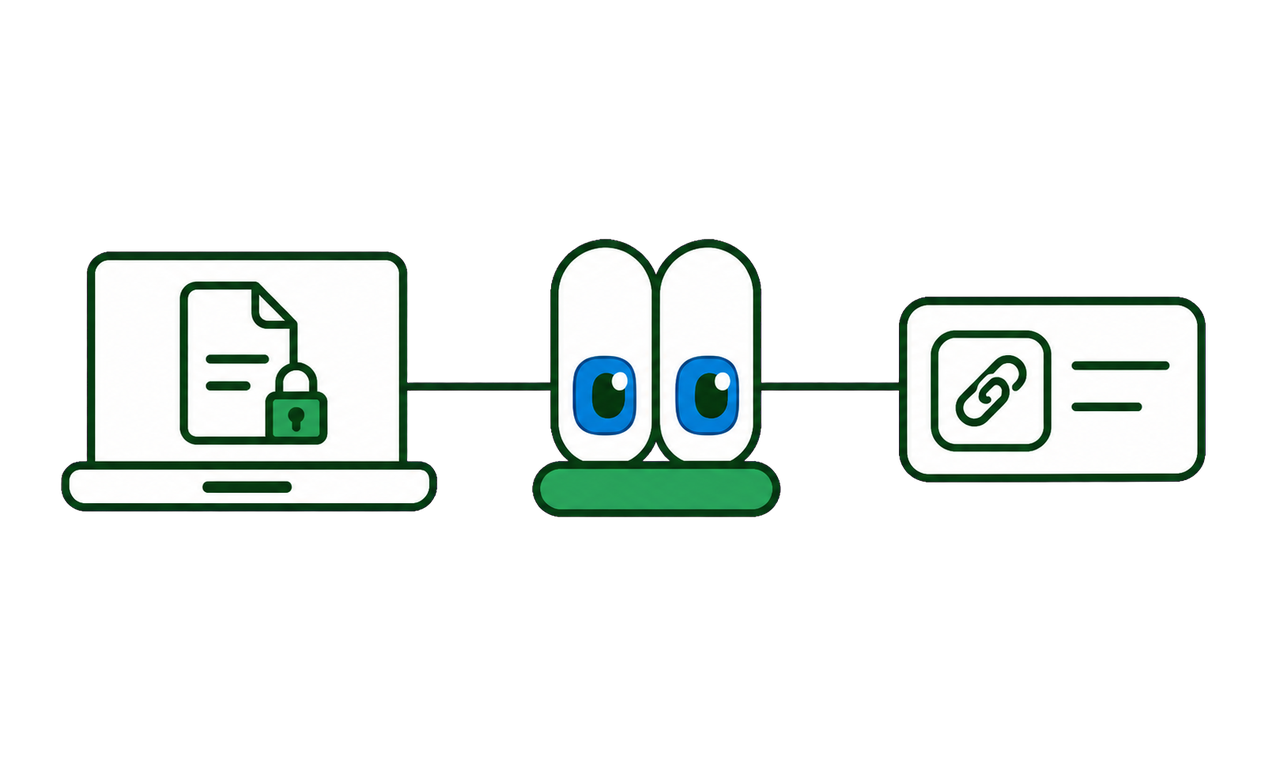
Concept illustration: files, evidence, decisions, and corrections stay connected.
Real folders Create, rename, and rearrange nested folders that hold the actual files.
Evidence in context Screenshots, photos, marks, and notes stay beside what they are about.
Connected decisions Arrows show what explains, corrects, or remains open.

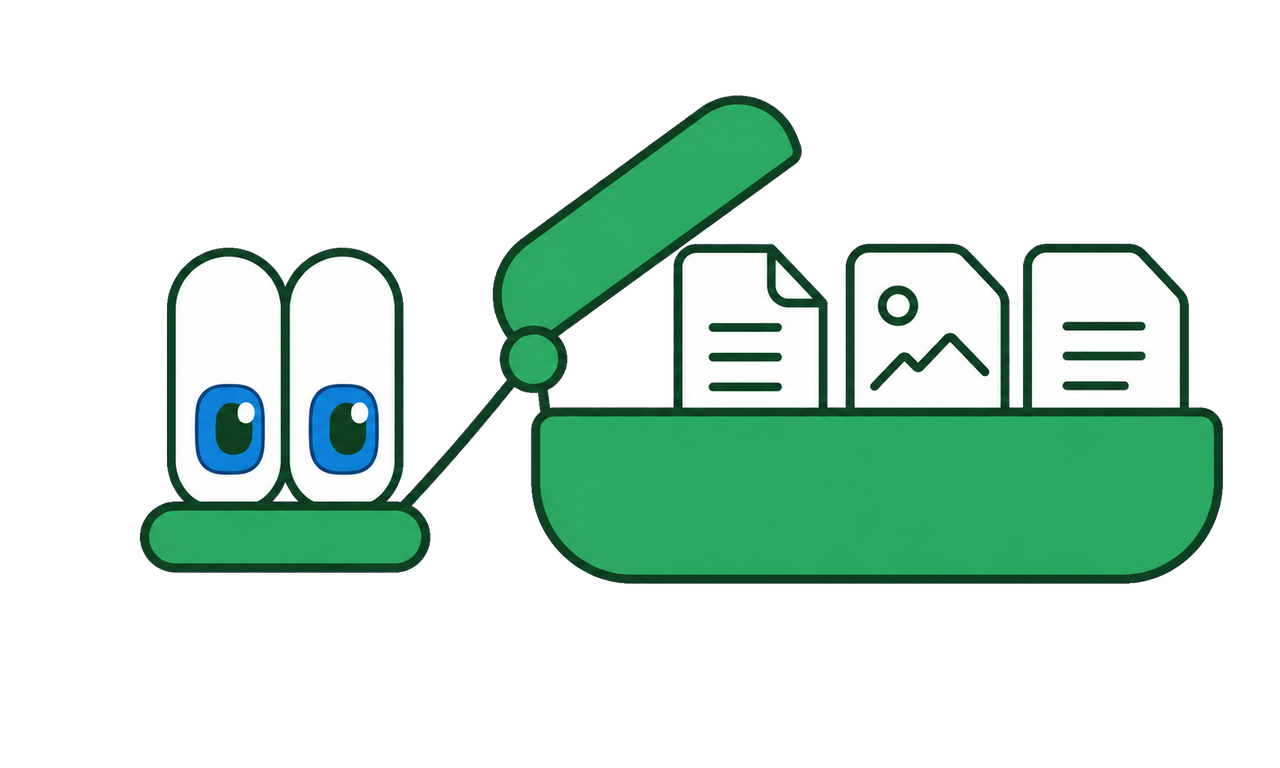
project.klypix - one file; the actual bytes travel inside it, not shortcuts to your disk.

One file you can hold.

Drop in a file - or a whole folder - and the actual bytes travel inside the .klypix, not as shortcuts to files on your disk. Move, email or send the one file and everything comes with it.

And the agent answers questions from each folder’s contents - anywhere you send the file.

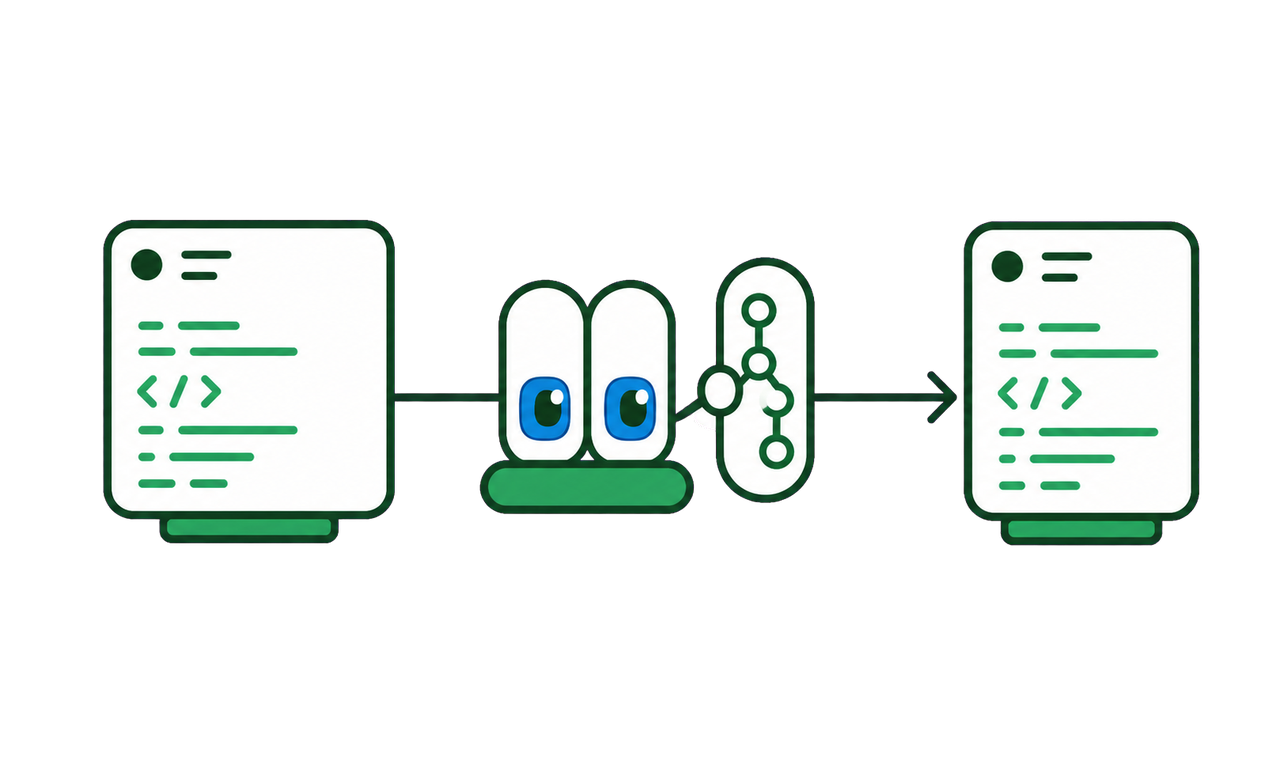
Same format, two content profiles: project.klypix carries the project’s files and folders inside it; brain.klypix carries only the understanding, beside code that stays in Git.

Folders are working space, not attachments.

File the canvas

Drag a canvas item onto a folder. KLYPIX moves the actual bytes and keeps one-step undo.

Rearrange without re-uploading

Create subfolders, move or remove entries, and keep the full structure inside the canvas.

Ask the evidence

Ask about one file or the whole folder. The agent reads from the contents already there.

Your file carries the bytes, not links to them. And markdown is the most portable text there is - so everything exports to Markdown & JSON Canvas any time, and Obsidian .canvas files open directly.

Phone → Drive → canvas

Send it from your phone. It lands where the work lives.

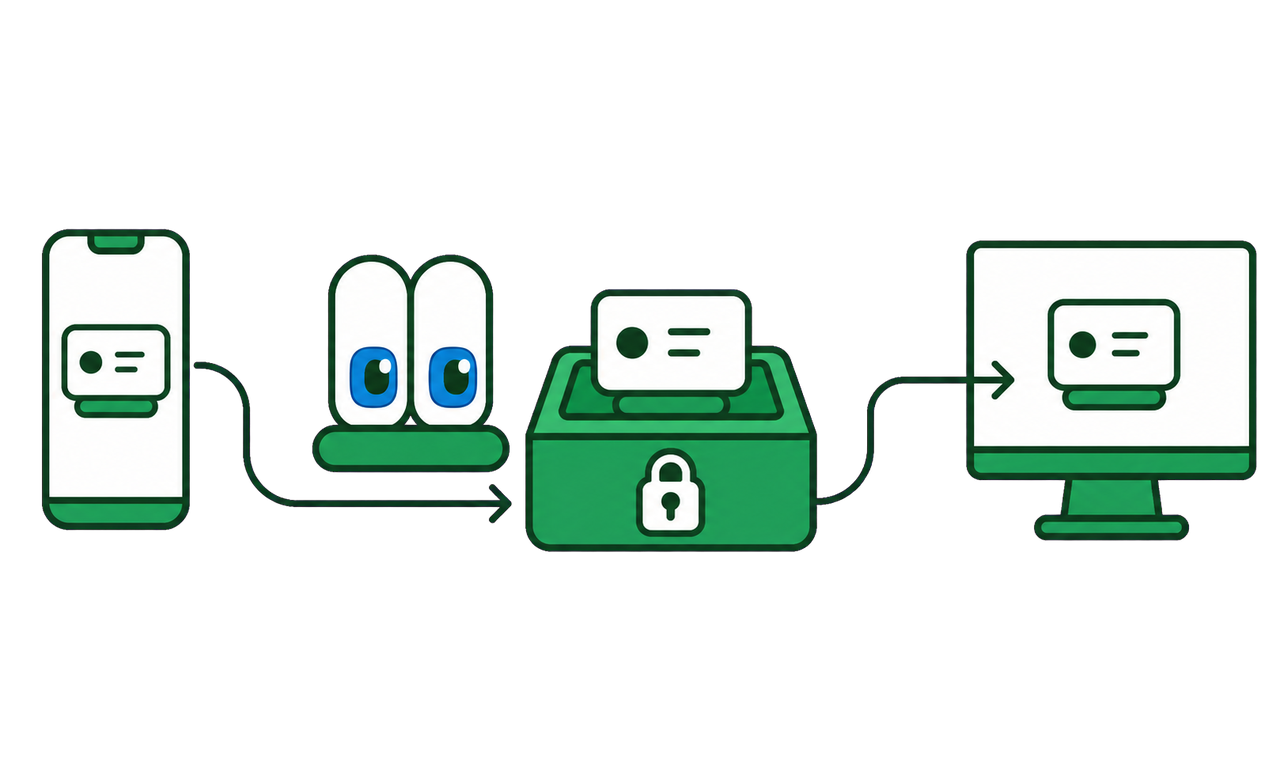
Share a photo, file, link, or text to KLYPIX. Phone sends are encrypted end to end - the server moves opaque bytes only. With your main PC off, the item waits safely in the cloud and shows as a ghost pinned to the canvas you chose; you can open, download or reposition it from Drive in the meantime, and it lands on the canvas when your PC next comes online.

Nothing to forward to yourself, nothing to remember to do later, and nothing to re-upload when you get back to your desk.

Share from any app

Use the phone’s Share menu for a photo, file, link, or text.

Choose the destination

Send to your PC inbox or a specific shared canvas; keep it in the tray or land it directly.

Keep working

Open it in Drive or on desktop, file it into a folder, and let the agent work from the same evidence.

Open KLYPIX Drive

The loop.

KLYPIX is the workspace built around an actively managed brain.

Capture anything

From any app, in one keystroke.

Organize in space

Each card in its place, arrows explaining why.

Act with your agents

They read, write, and argue from the brain.

It all lands in the brain

While you work inside it.

Supporting tools, one keystroke away - so evidence reaches the project while you are still working.

Command palette Search apps, files, clipboard history, and AI commands from anywhere. AltK
AI quick action Select text in any app, one keystroke: translate, improve, summarize. Alt;
Clipboard history The things you copied recently, searchable, ready to land on a canvas.
Deep Mode Pick the documents you have open; the assistant answers against all of them at once.
Voice Dictate your question instead of typing it, and have the answer read back if you want it.
Runs on your machine

Ask your own folders. Answers stay local.

Point Klypix at a folder. It indexes the files in place and answers with citations to the source file and, when available, the page.

Your documents are read, indexed, and answered on your Windows PC. If the local model is unavailable, Klypix returns the matching passages instead of sending the request to a server.

PDF Word Excel PowerPoint code scanned pages · English & العربية

Once the model is downloaded, asking your files works offline. No connection is needed to search or to get an answer. Your files stay where they are; nothing is copied out and nothing is uploaded. Signing in to KLYPIX still needs a connection from time to time.

Ask your files on‑device
What did we agree on the payment terms?

Net 30 from the invoice date. The late-payment penalty was dropped in the final round.

From your files
supplier-agreement-final.pdf p. 7
negotiation-notes-march.docx p. 2

Every answer names the file it came from - so you can go read the sentence yourself.

How things get in

Capture it where you found it.

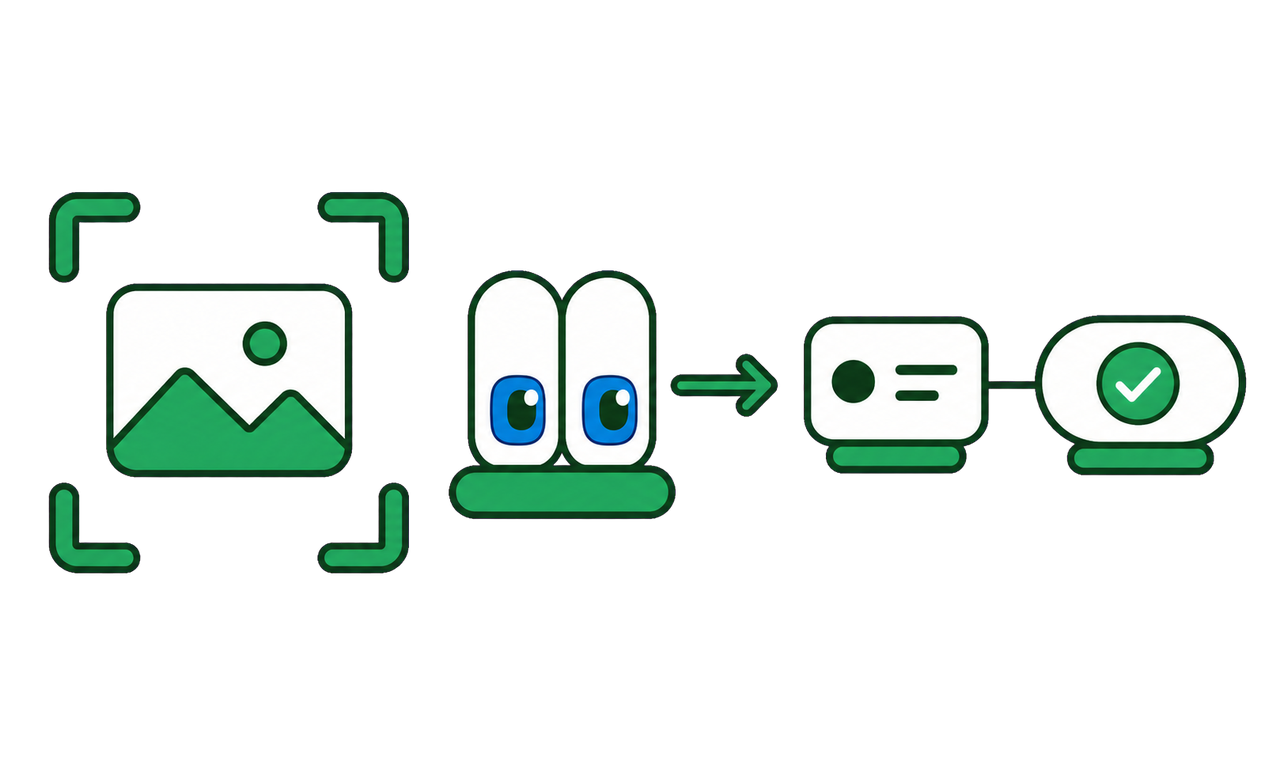
One keystroke over anything - it already sees what you’re looking at. Ask, snip a region, or point it at every document you have open, and send what matters into the project.

This one isn’t a video - it’s the overlay itself. Click CHAT | CANVAS to morph it.

One project. One shared understanding.

Files, evidence, decisions, conversations, people and agents should not become separate versions of the same project. Klypix keeps them connected through one portable workspace and a shared brain.

«لكل مشروع عقل

Free during beta. No card. No automatic charge.

Free while we earn your trust.

Everything is free during beta. After beta, the complete local app stays free; Cloud is planned at $7 monthly or $70 annually.

Free

After beta

$0

No subscription

10 GB Drive
Local AI and your own keys
Starter included Ask

KLYPIX Cloud

Recommended

$7 monthly

$70 annually, save $14

100 GB Drive
6x included AI allowance
Included Agent runs

Cloud for Teams

Coming soon

Target $12 to $15

per member monthly

250 GB minimum pooled target, expanding with seats
Planned seats, roles and billing
Planned presence and audit history

Enterprise

Coming soon

Custom annual

For security and procurement needs

1 TB included target, with custom expansion
Planned SSO, SCIM and policy
Planned audit, DPA review and SLA

You will get at least 30 days notice before paid plans begin. Use it, then tell me what’s broken.

See pricing and beta terms Download for Windows

Questions before getting started? Email us at hello@klypix.com

The honest questions.

Straight answers to the questions people actually ask us.

What can the brain do that plain notes can’t?

It argues back. Propose a decision and Klypix can surface the earlier decision it contradicts, the standing rule that disputes it, or the approach the project tried and reversed. Notes store what you wrote. A project brain can answer with the receipt.

What happens when two agents change the brain at the same time?

Concurrent captures share a local write lock. At git time, the optional merge driver unions both sides after each machine registers it. If both sides changed one card, Klypix keeps both versions linked. Live overlap warnings are separate and currently same-machine.

Whose file is it? What if I stop using KLYPIX?

Yours. The brain is a documented ZIP on your disk, with an Apache-2.0 parser. You can export to Markdown and JSON Canvas, extract the files, or open Obsidian canvas files directly.

Which AI tools can read it?

Claude Code gets the deepest automatic integration. Codex gets MCP tools and the brain_sync gateway. Cursor, Cline, VS Code / Copilot, Gemini CLI and Antigravity get project MCP config plus rules. Windsurf uses global MCP plus a rule, while Aider uses the CLI path. Integration depth varies by host.

Does Klypix replace Git?

No. Git versions the code. Klypix keeps the decisions, rejected paths, corrections, and evidence the code cannot explain. brain.klypix lives beside the repository, so the understanding can travel with the branch.

Is KLYPIX a project management tool? Where is the Gantt chart?

No. Trackers assign work and dates. Klypix keeps the current decisions, corrections, evidence, and open questions that people and agents need while doing the work.

What about Graphify - do I still need KLYPIX?

Your repo shows what exists. It rarely explains why another path was rejected, which constraint came from a customer, or which decision replaced an older one. The brain keeps that reasoning current and available to the next supported session.

Isn’t a CLAUDE.md or rules file enough?

For one tool and one stable project, often yes. The pain begins when decisions change or a second agent starts. A Klypix brain retrieves task-relevant context, records explicit corrections, stamps provenance, and surfaces declared exact-file overlaps on the same machine.

Is this just RAG or a memory plugin?

No. Passive memory appends and retrieves. Klypix manages state: a confirmed correction supersedes the stale answer, brain_challenge tests proposed decisions against standing rules and reversed approaches, and a decision anchored to code that has since changed is flagged before an agent relies on it.

I already have a working project. What does a fresh brain know on day one?

On day one, only what you or your agent capture. Klypix does not invent project history. Its value compounds as decisions, corrections, evidence, and open questions are written back.

Can my teammate and I use one brain from two computers?

Yes, through the repository. Commit brain.klypix and each teammate can pull the same durable understanding. Live session presence and overlap warnings are currently machine-local, so two laptops do not see each other’s sessions.

What is KLYPIX not?

Klypix does not create, launch, route, supervise, or run agents. It is a portable project workspace with a shared brain that the tools you choose can read and update.